
Choosing the right Microsoft 365 plan can be confusing, especially for a small or growing business.
Two of the most common options are Microsoft 365 Business Basic and Microsoft 365 Business Standard. Both provide business email, cloud storage and collaboration tools, but there is one major difference that can significantly affect how your employees work:
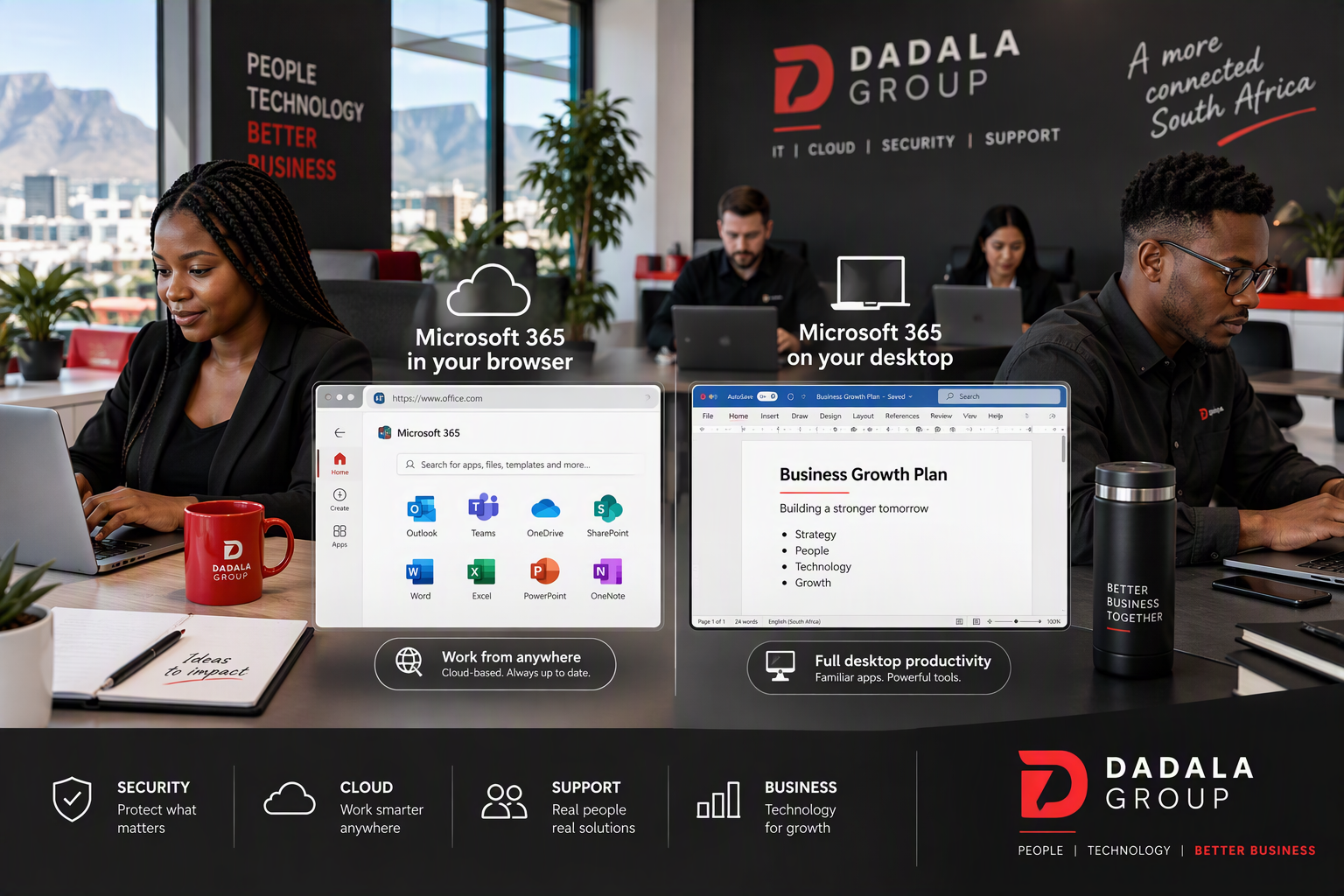
Business Basic focuses mainly on web and mobile Office apps, while Business Standard adds the installed desktop Microsoft 365 applications.
So, which one should your business choose?
Let’s break it down.
What Is Microsoft 365 Business Basic?
Microsoft describes Business Basic as providing web and mobile versions of applications such as Word, Excel, PowerPoint and Outlook, together with custom business email, 1 TB of cloud storage per user and Microsoft Teams. Microsoft 365 Business Products: Apps for Work [microsoft.com]
It can therefore be an attractive option for businesses whose employees primarily work through a web browser and don’t require the full desktop Office applications.
Microsoft’s documentation also lists a 50 GB mailbox with a custom email domain for Business Basic. Microsoft 365 for Business Overview [learn.microsoft.com]
Business Basic is worth considering if:
- Employees mainly need professional business email.
- Staff are comfortable working with Word and Excel online.
- Most documents are stored and shared in OneDrive or SharePoint.
- Your company uses Microsoft Teams for communication and meetings.
- You want to keep Microsoft 365 licensing costs under control.
- Your users don’t require fully installed desktop Office applications.
For many email-focused employees, Business Basic may provide everything they need.
What Is Microsoft 365 Business Standard?
Microsoft 365 Business Standard builds on many of the productivity capabilities available in Business Basic.
The significant difference is the inclusion of desktop versions of Microsoft 365 applications.
Microsoft lists desktop versions of Outlook, Word, Excel, PowerPoint and OneNote as part of Business Standard. Microsoft 365 for Business Overview [learn.microsoft.com]
Business Standard also includes business email with a 50 GB mailbox and custom domain, 1 TB of OneDrive storage per user, and Microsoft Teams according to Microsoft’s plan description. [learn.microsoft.com]
Business Standard is particularly suitable for employees who:
- Work extensively in Excel.
- Create Word documents throughout the day.
- Build or edit PowerPoint presentations.
- Prefer the desktop version of Outlook.
- Need installed Microsoft 365 applications on their computers.
- Regularly work on documents as part of their job.
For an employee using Word, Excel and Outlook heavily throughout the working day, Business Standard will often be the more practical choice.
Business Basic vs Business Standard: The Main Difference
For many businesses, the decision comes down to one simple question:
Does this employee need the full Microsoft 365 desktop applications installed on their computer?
If the answer is no, Business Basic may be sufficient.
If the answer is yes, Business Standard is generally the more appropriate option.
Microsoft’s current documentation distinguishes Business Basic’s web Office experience from Business Standard’s inclusion of installed desktop applications. [learn.microsoft.com], [microsoft.com]
At a glance
| Feature | Business Basic | Business Standard |
|---|---|---|
| Business email | ✅ Yes | ✅ Yes |
| Custom business domain email | ✅ Yes | ✅ Yes |
| 1 TB OneDrive storage per user | ✅ Yes | ✅ Yes |
| Microsoft Teams* | ✅ Yes | ✅ Yes |
| Word | Web/mobile | ✅ Desktop included |
| Excel | Web/mobile | ✅ Desktop included |
| PowerPoint | Web/mobile | ✅ Desktop included |
| Outlook | Web/mobile | ✅ Desktop included |
| Installed desktop Office apps | ❌ No | ✅ Yes |
*Microsoft offers plan variants with and without Teams, so businesses should check the exact subscription being purchased. Microsoft’s current business pricing page presents both With Teams and Without Teams options. Microsoft 365 Pricing for Business [microsoft.com]
Don’t Automatically Give Every Employee Business Standard
This is where small businesses can potentially manage their licensing more intelligently.
Not every employee necessarily needs exactly the same Microsoft 365 licence.
Consider a fictional company with:
- Receptionists
- Salespeople
- Managers
- Finance employees
- Warehouse employees
- Field technicians
- IT administrators
Their technology requirements may be very different.
For example, a warehouse employee who primarily needs company email and access to shared information may not require the same productivity applications as a finance employee working extensively with Excel.
This means your Microsoft 365 licensing strategy should ideally be based on how employees actually work, rather than automatically assigning the same plan to everyone.
When Business Basic Makes Sense
Consider Business Basic for users who primarily need:
Business email
Employees can have professional email addresses using the company’s domain.
For example:
name@yourcompany.co.za
Cloud file storage
Microsoft provides 1 TB of OneDrive cloud storage per user with Business Basic. [learn.microsoft.com]
Browser-based productivity
Employees who only occasionally create or edit Word, Excel or PowerPoint files may be comfortable using the web applications.
Microsoft Teams
Where the applicable Teams-inclusive plan is purchased, Teams supports company communication, collaboration and online meetings. Microsoft lists online meetings and video conferencing for up to 300 users in its Business Basic overview. [learn.microsoft.com]
When Business Standard Makes More Sense
Business Standard becomes more attractive when desktop productivity is important.
Suppose your accounts department regularly works with Excel spreadsheets, while management prepares detailed Word documents and PowerPoint presentations.
Those users are more likely to benefit from the installed Microsoft 365 applications that Business Standard provides.
Microsoft states that a Business Standard licence can cover installed Microsoft 365 apps across five mobile devices, five tablets and five PCs or Macs per user. [learn.microsoft.com]
That can also be valuable for an employee who works across several devices.
What About Microsoft 365 Business Premium?
There is another important question.
If your organisation is looking at Microsoft 365 not only for productivity but also for device management and stronger security capabilities, Business Premium should also be considered.
Microsoft positions Business Premium as including additional capabilities for protecting against cyberthreats, controlling access to sensitive information and securing devices accessing business information. [learn.microsoft.com]
Microsoft’s current South African SMB security information also describes Business Premium as providing integrated security across email, collaboration tools, endpoints and company data. [microsoft.com]
For organisations wanting capabilities around Microsoft Intune, Microsoft Defender and more advanced identity and access management, it is worth comparing Business Premium rather than limiting the decision to Basic versus Standard.
Which Microsoft 365 Plan Should Your Business Choose?
A simple way to approach the decision is:
Choose Business Basic when:
Your users mainly need business email, Teams, OneDrive and browser-based Office applications.
Choose Business Standard when:
Your users need the installed desktop versions of Outlook, Word, Excel, PowerPoint and other applicable Microsoft 365 applications.
Consider Business Premium when:
Your requirement extends beyond productivity into device management, identity protection and cybersecurity.
There isn’t necessarily one Microsoft 365 plan that is right for every person in the organisation.
The better question is:
What does each employee actually need to do their job?
Review Your Microsoft 365 Licences Before Buying More
Microsoft 365 subscriptions can easily become part of a monthly expense that businesses stop reviewing.
As employees join, leave or change roles, licensing requirements may change too.
A periodic Microsoft 365 licence review can help determine whether users have licences appropriate to how they actually work.
It is also a good opportunity to review:
- User accounts
- Microsoft 365 licences
- Administrator permissions
- Email configuration
- MFA
- Microsoft 365 security settings
- Device management requirements
- Microsoft Intune requirements
- Microsoft Defender requirements
Need Help Choosing the Right Microsoft 365 Plan?
Choosing between Microsoft 365 Business Basic, Business Standard and Business Premium shouldn’t simply come down to buying the cheapest or most expensive option.
It should come down to what your employees actually need.
Dadala Group can help your business assess its Microsoft 365 requirements and choose an appropriate licensing setup without unnecessarily overcomplicating your environment.
We can assist with:
- Microsoft 365 setup and administration
- Microsoft 365 licence reviews
- Business email configuration
- Microsoft 365 migrations
- User onboarding and offboarding
- MFA and identity security
- Microsoft Intune and device management
- Microsoft Defender and cybersecurity
- Ongoing Microsoft 365 support
Not sure which Microsoft 365 plan your business needs?
Contact Dadala Group for Microsoft 365 advice and support.
SEO setup for the Dadala Group website
SEO Title:
Microsoft 365 Business Basic vs Business Standard: Which Is Right for Your Business?
Meta Description:
Compare Microsoft 365 Business Basic vs Business Standard and discover which plan is right for your small business, employees and IT requirements.
URL Slug:microsoft-365-business-basic-vs-business-standard
Primary Keyword:
Microsoft 365 Business Basic vs Business Standard
Secondary Keywords:
- Microsoft 365 Business Basic
- Microsoft 365 Business Standard
- Microsoft 365 for small business
- Microsoft 365 licensing South Africa
- Microsoft 365 Business Premium
- Microsoft 365 support South Africa
Suggested category:
Microsoft 365