

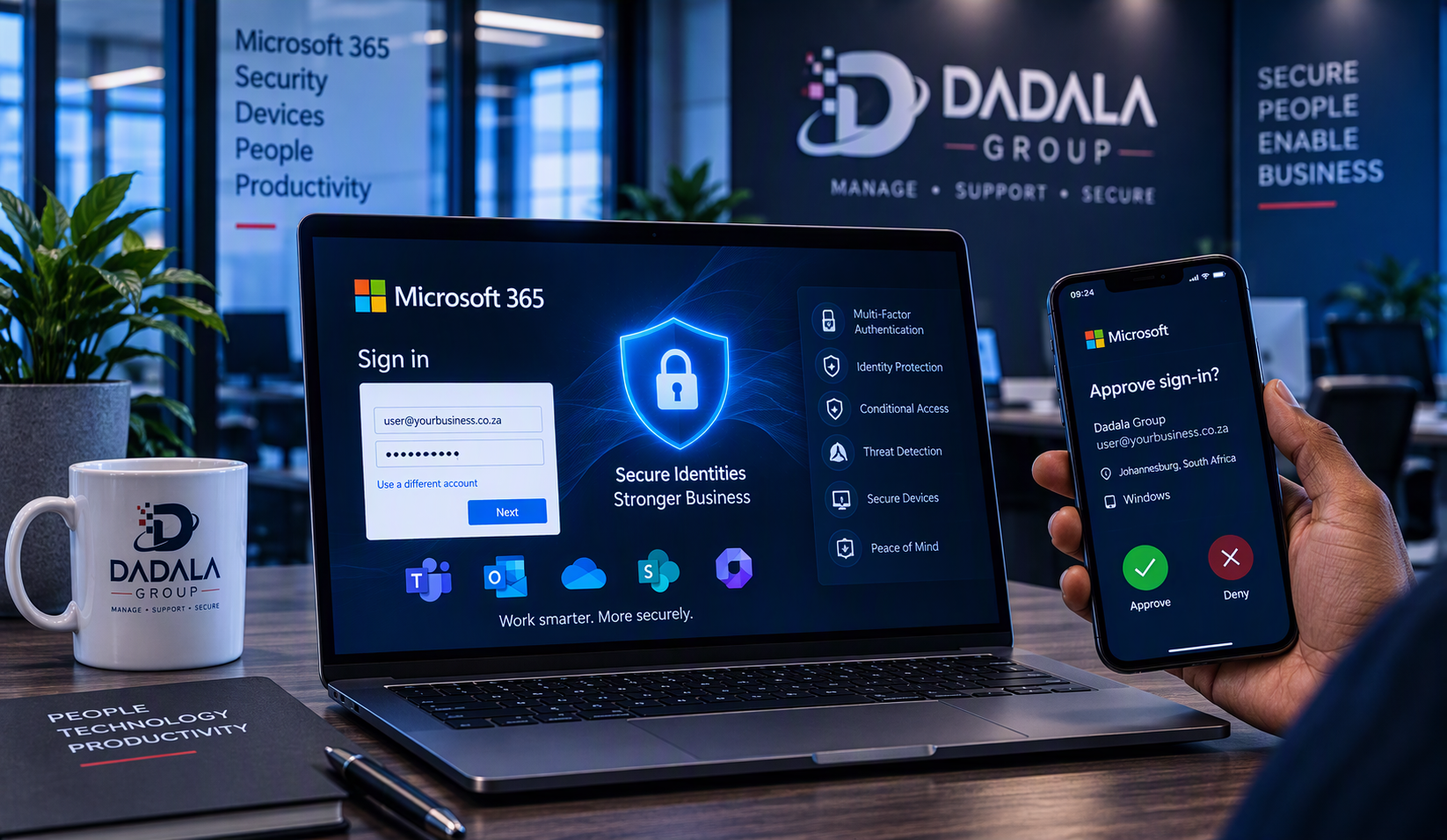
Microsoft 365 has become central to how many businesses communicate, collaborate and store information. Outlook handles business email, Teams supports communication, OneDrive and SharePoint store files, and Microsoft 365 identities provide access to these services.
That makes protecting a Microsoft 365 account extremely important.
A password alone is no longer a strong enough security strategy. Passwords can be stolen, guessed, reused across websites or captured through phishing attacks. Microsoft recommends stronger identity protection, including multi-factor authentication (MFA), to reduce the risk associated with compromised passwords. [microsoft.com], [support.mi…rosoft.com]
This is why MFA should be considered a fundamental security measure for businesses using Microsoft 365.
What Is Multi-Factor Authentication?
Multi-factor authentication adds another verification step to the sign-in process.
Instead of relying only on something the user knows, such as a password, MFA can combine different forms of verification, including:
- Something you know, such as a password
- Something you have, such as a phone or security key
- Something you are, such as biometric verification
Microsoft 365 can support verification methods including Microsoft Authenticator, passkeys, Windows Hello for Business, security keys and other methods depending on the organisation’s configuration. [support.mi…rosoft.com]
The principle is straightforward: a stolen password should not automatically give someone access to the account.
Why Passwords Alone Are Not Enough
Even a strong password can be compromised.
One of the biggest risks businesses face is phishing. An employee might receive what appears to be a legitimate email directing the employee to a fake Microsoft 365 sign-in page. If the password is entered, the attacker may obtain those credentials.
Password reuse creates another risk. If credentials used on another service become compromised, attackers can attempt to use the same credentials elsewhere.
MFA introduces an additional security layer because possessing the password alone may no longer be sufficient to complete authentication. Microsoft specifically positions MFA as protection against risks including password compromise, phishing, password spray and other identity attacks. [microsoft.com]
What Could Happen If a Microsoft 365 Account Is Compromised?
The impact can extend well beyond losing access to one mailbox.
Depending on the permissions and services available to the compromised account, unauthorised access can potentially expose business information accessible through that identity.
For example, an account could provide access to:
- Business email
- Microsoft Teams
- OneDrive files
- SharePoint resources
- Other applications connected to the identity
The risk can be particularly serious when the compromised identity has administrative privileges.
Microsoft notes that privileged administrative accounts are frequent targets and recommends phishing-resistant MFA for various Microsoft Entra administrator roles. [learn.microsoft.com]
For businesses, identity security should therefore be treated as part of protecting the wider IT environment.
MFA Is Important, but Not All MFA Is Equal
There is an important development businesses need to understand.
Simply having some form of MFA should no longer be the end goal.
Attackers have developed techniques for targeting traditional MFA methods. Microsoft specifically warns that methods such as SMS codes, email-based one-time passwords and push notifications can be susceptible to modern phishing, social engineering and MFA fatigue attacks. [learn.microsoft.com]
Businesses should therefore start thinking beyond basic MFA toward phishing-resistant authentication.
Moving Toward Phishing-Resistant Authentication
Microsoft’s identity security direction increasingly emphasises phishing-resistant authentication.
Technologies available in the Microsoft ecosystem include:
- Passkeys
- FIDO2 security keys
- Windows Hello for Business
- Certificate-based authentication
Microsoft describes phishing-resistant MFA as a stronger authentication approach and recommends it particularly for privileged administrator accounts. [learn.microsoft.com], [learn.microsoft.com]
For a small business, this doesn’t necessarily mean changing everything overnight.
A sensible security strategy can begin with ensuring MFA coverage across users while developing a longer-term plan for stronger authentication methods, particularly for administrators and other sensitive accounts.
Microsoft Is Moving Toward Passkeys
This is becoming even more relevant for Microsoft 365 customers.
In July 2026, Microsoft announced changes making passkeys the default phishing-resistant authentication method in Microsoft Entra ID. Microsoft stated that the rollout would begin from September 1, 2026. [microsoft.com]
Passkeys use public-key cryptography rather than shared secrets, which Microsoft says makes them phishing-resistant by design. [microsoft.com]
This means businesses should not think of passwordless or phishing-resistant authentication as something far in the future. It is becoming increasingly relevant to modern Microsoft identity security.
MFA Should Protect More Than Just Management
A common mistake is thinking:
“Only management and IT administrators need MFA.”
Security should not depend on an employee’s job title.
Employees using email, Microsoft 365 applications and cloud services have identities that need appropriate protection.
At the same time, administrator accounts deserve even stronger protection because of the additional access they may have. Microsoft specifically recommends phishing-resistant MFA for a range of privileged Microsoft Entra roles, including Global Administrator, Exchange Administrator, SharePoint Administrator and Security Administrator. [learn.microsoft.com]
A good Microsoft 365 security strategy therefore considers both ordinary user identities and privileged identities.
MFA Is Only One Part of Microsoft 365 Security
MFA is extremely important, but it should not be treated as the entire cybersecurity strategy.
Businesses should consider identity security alongside areas such as:
- Microsoft 365 security configuration
- Microsoft Defender
- Device security and management
- Microsoft Intune
- Conditional Access
- Email security
- Backup and recovery
- User security awareness
- Regular review of administrator privileges
The goal is layered security.
If one security control fails, another control can still help protect the business.
What Should Businesses Do Next?
For businesses using Microsoft 365, a practical starting point is to review:
- Which users are protected by MFA.
- Which authentication methods are currently being used.
- Whether administrator accounts receive stronger protection.
- Whether legacy or weaker authentication methods remain in the environment.
- Whether phishing-resistant authentication methods can be introduced.
- Whether identity protection forms part of the organisation’s broader Microsoft 365 security strategy.
Microsoft 365 security should not be something businesses configure once and then forget. As Microsoft services and security threats evolve, configurations should be reviewed and improved.
Protect Your Microsoft 365 Environment
Cybersecurity does not always require complicated technology.
Some of the most important improvements begin with protecting the identities employees use every day.
Multi-factor authentication provides an important additional layer of security for Microsoft 365, while modern phishing-resistant authentication methods can take identity protection further.
Dadala Group helps businesses review and strengthen Microsoft 365 security, including identity protection, multi-factor authentication, Microsoft Defender, device management and other Microsoft security technologies.
Strengthen Your Microsoft 365 Security
If you are unsure whether your Microsoft 365 users and administrator accounts are properly protected, Dadala Group can help you review your environment and identify practical security improvements.
Contact Dadala Group
WordPress setup I’d use
Post title:
Why Multi-Factor Authentication Is Essential for Microsoft 365
Category:
Microsoft 365 Security
Suggested URL slug:why-multi-factor-authentication-is-essential-for-microsoft-365
Suggested excerpt:
Passwords alone are no longer enough to protect Microsoft 365 accounts. Learn why multi-factor authentication matters, how it protects business identities, and why businesses should start preparing for phishing-resistant authentication.